Flipchart Menu (Top Bar)
All flipchart-based activities share the same top menu. There are 13 functions available.

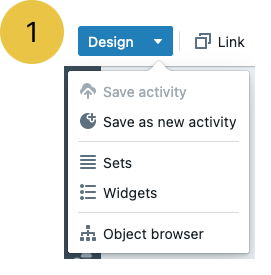
Design Menu (1)
Section titled “Design Menu (1)”Allows you to activate design mode
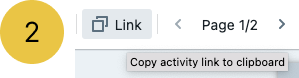
Link (2)
Section titled “Link (2)”By clicking the link button you copy the activity-link to the clipboard so you can pass it along to the participants.
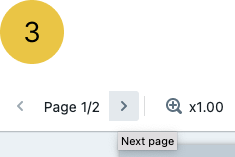
Page Navigation (3)
Section titled “Page Navigation (3)”You are able to navigate between pages (if more than one) and access the page management panel.
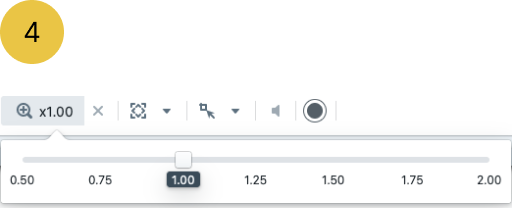
Magnifier (4)
Section titled “Magnifier (4)”This feature allows you to change the magnification of the flipchart page
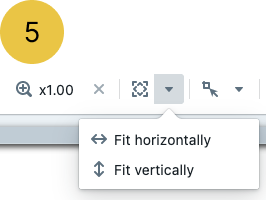
Zoom to fit (5)
Section titled “Zoom to fit (5)”You may choose from the following options: Horizontal, Vertical or both if you click in the middle of it
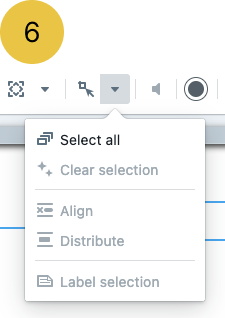
Selection Mode (6)
Section titled “Selection Mode (6)”This option activates selection mode so you can select multiple objects on the page
7. Sound off/on
Section titled “7. Sound off/on”For activities that use background tracks and have event sound enabled.
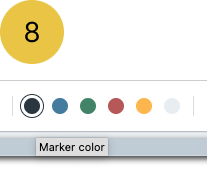
Marker colour (8)
Section titled “Marker colour (8)”It sets the default colour for Flipchart rows and other objects that use writing.
9. Activity Name
Section titled “9. Activity Name”Here you can see the name of the activity you play
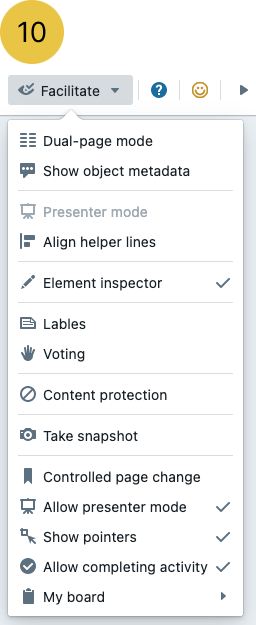
Facilitate Menu (10)
Section titled “Facilitate Menu (10)”This is the home of the features used by facilitators during the activity.
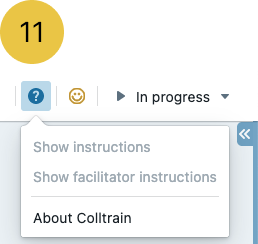
Help (11)
Section titled “Help (11)”You can access the help (instructions) for participants and/or facilitators. The features are activated only when the content is available for the activity.
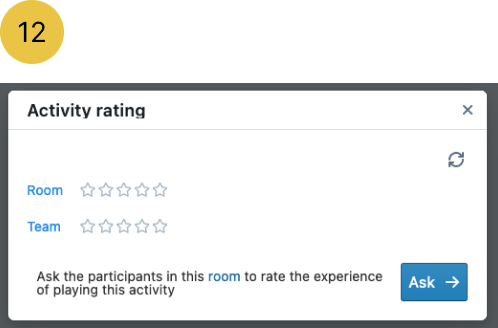
Ask for reactions (12)
Section titled “Ask for reactions (12)”From here you can ask for feedback from the participants at the end of the activity or at any other moment.
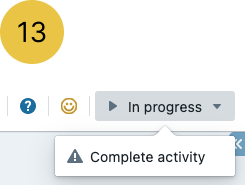
Complete Activity (13)
Section titled “Complete Activity (13)”This feature enables participants to mark the activity as completed without asking the facilitator to do it.