
Show Mouse Pointers
Hint: while working on the flipchart, you may choose to enable or disable showing the mouse pointers of the participants. Having them visible is a great way to increase engagement while hiding them, letting participants focus more on content input rather than on who’s contributing.
Prerequisites
Section titled “Prerequisites”A flipchart-based activity started
How to enable pointers
Section titled “How to enable pointers”To use pointers, follow the next steps:
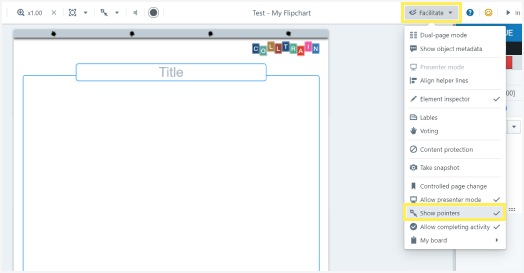
- Click on „Facilitate“ in the top menu.
- Click on „Show pointers“ in the drop-down list to enable them (the check mark on the right means they are enabled)
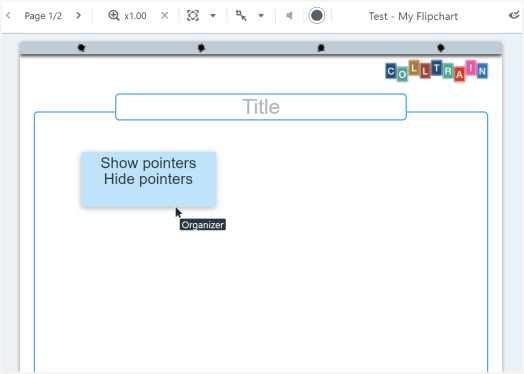
Participants can now see all pointers, knowing where and what others are doing on the page.
How to disable the pointers
Section titled “How to disable the pointers”To disable the pointers, go through the above-mentioned steps and click on “Show pointers” to remove the check mark option on the right side.